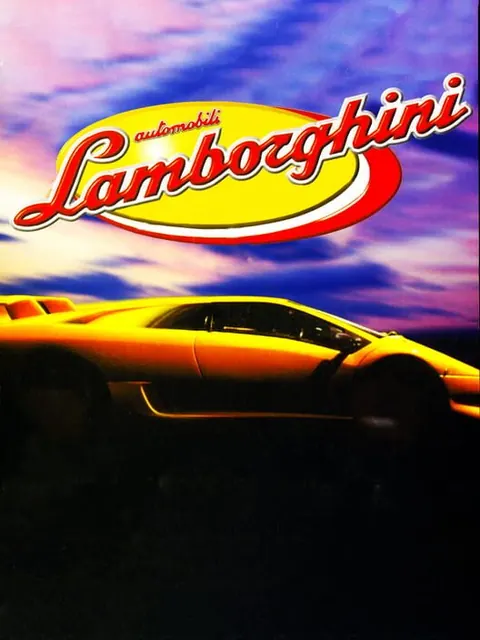
Download
Windows

v0.11.1 ·
Playable Recomp
You need: North American Nintendo 64 Automobili Lamborghini.
Linux
v0.11.1 ·
Playable Recomp
You need: North American Nintendo 64 Automobili Lamborghini.
Supported systems
- Windows: x64 ZIP with
lamborghini_modern.exe. - Linux: Native x64 ZIP with
lamborghini_modern.
Linux launch commands
With SDL2, FreeType and Vulkan available, extract the Linux ZIP, add the US game data as described below, and run from the extracted folder.
./lamborghini_modernRequired game version
- Copy: Your own North American Nintendo 64 Automobili Lamborghini.
- Format: The program looks for
Automobili Lamborghini (USA).z64or the same name ending in.n64, with.z64taking priority. It detects byte order from the file.
Getting started
- Prepare the supported Automobili Lamborghini data above.
- Get the Windows x64 or Linux x64 ZIP from the latest Automobili Lamborghini: Recompiled release. Extract the program, keeping its libraries and assets together.
- Place the supported game file beside the executable using either default filename above.
- Open
lamborghini_modern.exeon Windows or run the Linux command above. Choose Play if the launcher opens. Esc, F1 or the controller menu button opens the port settings.
About this port
The port synthesizes engine audio for V12, V10, flat-six and flat-twelve cars. The sound follows revs and throttle, and turbocharged cars vent boost. Launch with LAMBO_ENGINE_AUDIO=0 to hear the original engine audio. Turn on Show car details on car select to see the car name, power, top speed and acceleration while choosing a car.
Player 1 uses the preferred pad, with the keyboard as fallback. Assign players 2 through 4 in Controls, which keeps bindings by controller profile. The Enhancements tab can make the menu respond to a shorter stick movement while keeping steering sensitivity unchanged. Driving contains the pedal bindings and the optional auto-accelerate assist for Player 1.
System requirements
- OS: The Windows x64 build needs the Microsoft Visual C++ v14 x64 runtime. The Linux x64 build needs SDL2 and FreeType.
- Graphics: Linux needs a working Vulkan driver. The optional Windows ray-traced sunlight shadows require D3D12 and DXR 1.1.
Save locations
%LOCALAPPDATA% is your Windows user’s local app data folder. ~ is your home directory.
- Windows:
%LOCALAPPDATA%\LamborghiniRecomp\lambo_controller_pak.mpk - Linux:
~/.config/LamborghiniRecomp/lambo_controller_pak.mpk
Mods
The optional JP weather code mod is a separate release attachment and requires port version 0.11.0 or later. Open Mods → Install Mods in the launcher before choosing Play, then enable JP weather (experimental). Weather: Wet adds wet roads and storm clouds. Rain style: Retro uses chunky pixel rain, while Modern adds speed-aware streaks and ripples.
The project's rain tests used Direct3D 12 on Windows. Linux rain effects are still awaiting verification.
The same Mods tab installs and orders third-party .rtz texture packs. See Mods, texture packs and track changes for code-mod targets and pack compatibility.
Video
FAQ
Can I play Automobili Lamborghini on Windows or Linux?
Yes. Windows: Automobili Lamborghini: Recompiled. Linux: Automobili Lamborghini: Recompiled.
Which game version do I need for Automobili Lamborghini?
- Automobili Lamborghini: Recompiled: North American Nintendo 64 Automobili Lamborghini.
What is the development status of the Automobili Lamborghini PC port?
Automobili Lamborghini: Recompiled: Playable. Latest project release: v0.11.1, 2026-11-19.
Update history
| Project | Latest version | Release date |
|---|---|---|
| Automobili Lamborghini: Recompiled | v0.11.1 |